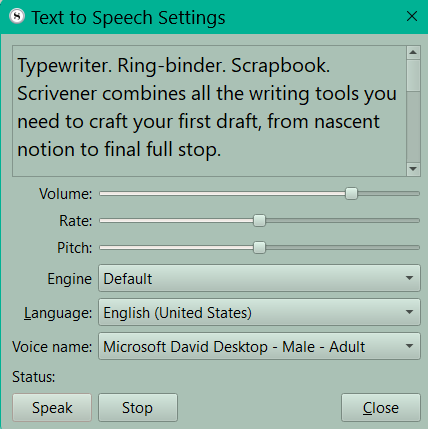
Speech settings
You reach these using the Menu command Edit > Speech > Speech Settings. You can adjust pitch, voice source, rate of speech, and volume. You have sliders to adjust these till have the speaking voice reading the sample in a way which sounds natural to you.
Now, you can pick a scene with one thousand or more words and duplicate it. Now delete till reach a thousand words. If you start Scrivener’s speech function, measure the amount of time to read a thousand words. This can be multiplied by the number of words you have. If you have and eighty thousand word novel, then the audiobook would be eighty times the amount of time needed to read one thousand. Obviously this in an approximation, but it will give you a reasonable estimate.